← Home · Alla sidor (svenska) · All pages (English)
Editing an observation afterwards
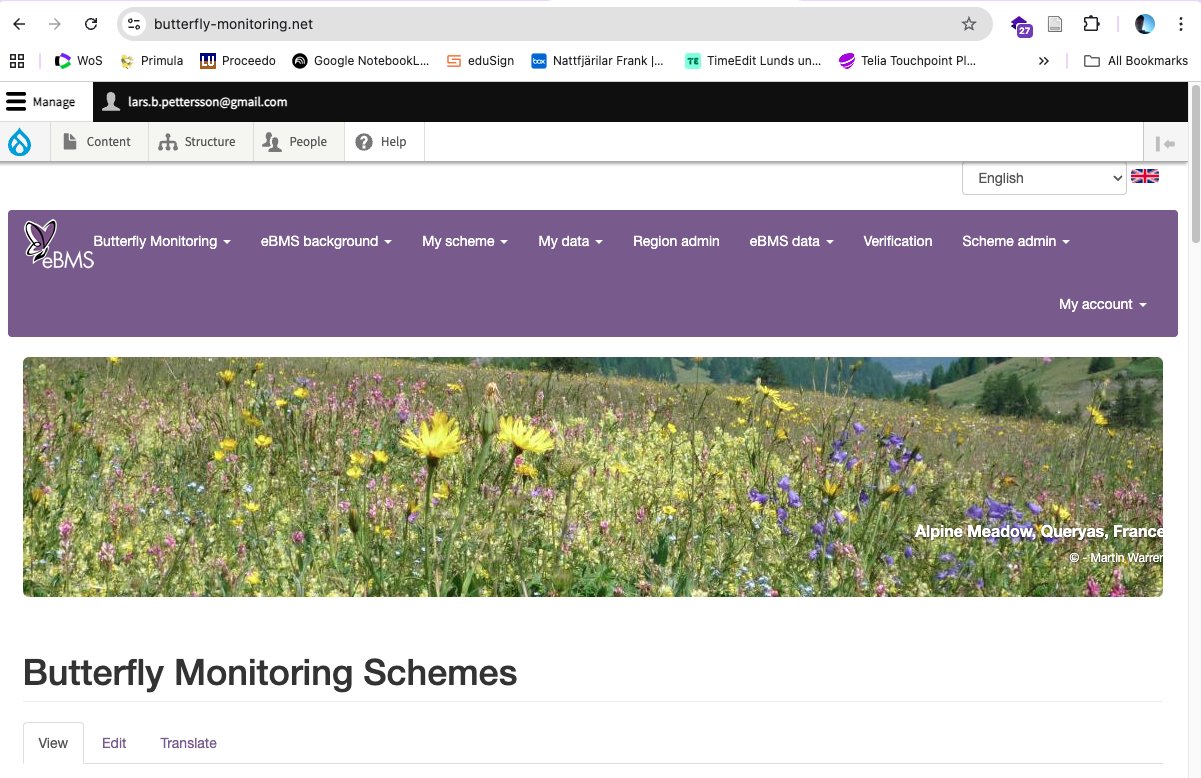
Observations you’ve entered via the ButterflyCount app can be changed both in the app and on the website (butterfly-monitoring.net), regardless of where they were originally registered. What matters is whether they’ve been uploaded to the server yet. If your observations haven’t been uploaded to the server yet, you can still change them directly in the app. If they’ve already been uploaded to the server, you can change them on the website instead. The same login is used in both places.
In the app
Go to the survey, open the species you want to adjust under Edit occurrence. There you can change:
- Count inside / Count outside the trap
- Image identifier (who made the determination)
- Comment
- Add more photos of the same species
Here’s a short walkthrough of how to change the count for a species directly in the app:
On the website
Log in at butterfly-monitoring.net with the same details as in the app. There you can find your survey (via the map or the list) and adjust counts the same way as in the app.
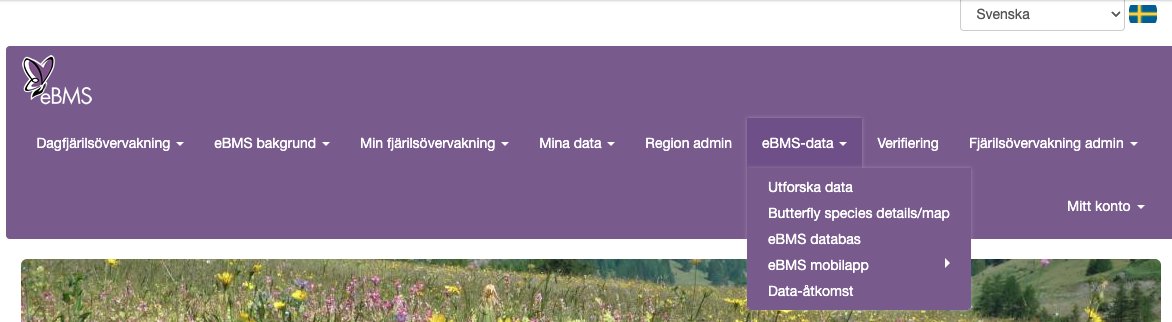
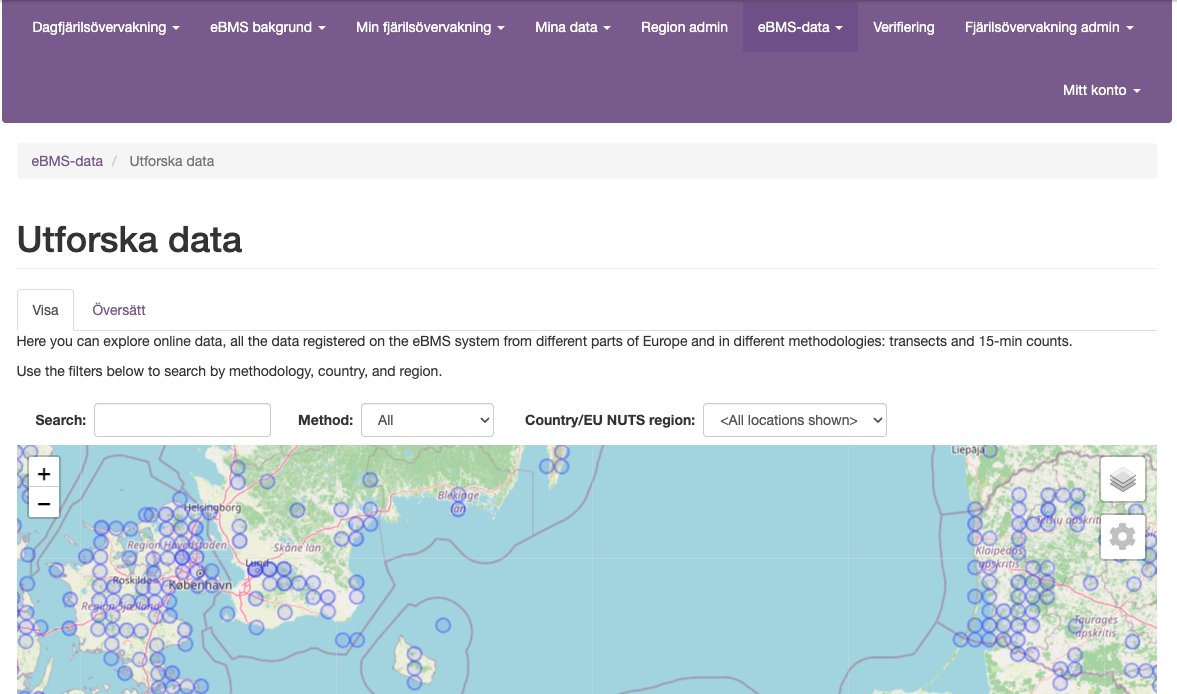
You can also browse all Swedish moth observations (including your own) under eBMS data → Explore data, filtering by method Moth Trap and country Sweden to see only moth data.
Good to know
- Being able to edit afterwards is exactly why it’s important not to register in training mode — see Register your trap.
- If you photograph the same animal twice, it counts as two individuals — adjust the count manually if needed.
- You can upload several photos in a batch for one trap; the app’s classifier identifies them one by one afterwards.
- The app can’t (yet) crop images. If you need to crop, take the photo with your phone’s camera, crop it, and then upload it in the app.
- If the species identification is uncertain, feel free to try the apps ObsIdentify and Artsorakel, which tend to be reliable for a quick check.
Export to Artportalen
The goal is for data to be automatically synced to Artportalen, but that requires both your consent and approval from Artdatabanken, which isn’t yet in place. Even now, though, you can always export your data and manually import it into Artportalen if you’d like it there too.